
How QR access control works for gyms
A practical explanation of QR gym access: identification, membership validation, visit records and exception handling.
Direct answer
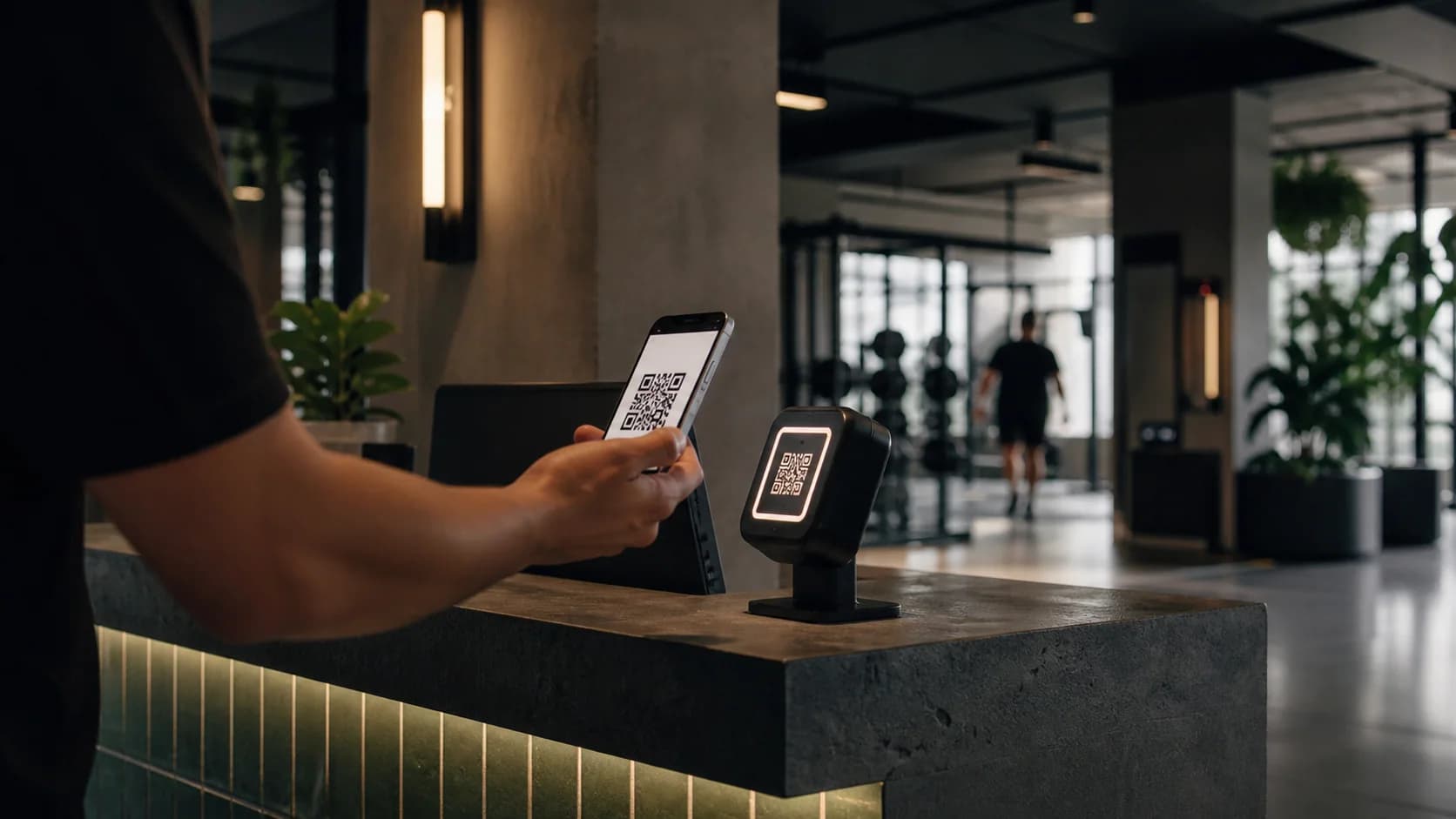
In QR gym access control, the code identifies a member or associated credential. When scanned, the system checks membership data, applies validity or restriction rules, displays the result and records the visit. The QR does not grant access by itself; the decision depends on the data, rules and devices connected to the workflow.
Key takeaways
- The QR identifies; the server decides whether access is authorized.
- A forwardable static code is not equivalent to a secure credential.
- Every exception should record who, when, why and which rule was bypassed.
The code identifies; it does not make the rule
A QR code can contain an identifier or a secure reference to the member record. It should avoid exposing unnecessary personal information.
The platform connects that identity to membership status. Copying an image of the code should not automatically become permanent authorization.
Validation happens at check-in
After reading the code, the system checks validity, restrictions and conditions defined by the gym. The answer should be clear to staff and fast for the person entering.
The result may unlock physical hardware or simply show an on-screen confirmation, depending on infrastructure. That distinction belongs in the technical scope.
Exceptions need their own workflow
Payments under review, frozen memberships, guests or connectivity failures should not be improvised. The system needs to show the reason and allow only authorized actions.
It also helps to define what happens when the reader or internet is unavailable. A contingency policy balances continuity and control.
Visit records should be useful and proportionate
Each attempt may record time, result and access point to support operations. The organization should restrict that history and retain it according to its purpose and obligations.
Before choosing a system, test the full workflow during a busy period: scan, validation, message, opening or approval, and exception handling.
Bynotek analysis
The technical flow behind a two-second access
The reader captures an identifier or token, the system validates authenticity and validity, checks membership rules and returns a decision. It then records attempt, result, access point and reason. The code should not contain readable personal data or become the source of truth by itself.
A static QR can be photographed and shared. Depending on risk, use rotating tokens, bound devices, rate limits or additional verification. OWASP places authorization and authentication among core API risks; the access endpoint deserves controls matching its physical impact.
Design degraded mode: what happens without connectivity, how long a local list may be used and how later decisions synchronize. A door failing open and one failing closed have different costs; policy must decide before the incident.
Applied example
Example: duplicate attempt at two entrances
The same token appears seconds apart at two readers. The system applies an anti-passback window, denies the second attempt and sends the case for review without permanently blocking the member. The log helps distinguish fraud, reader error or an unrecorded exit.
Checklist
- 01Token without readable personal data
- 02Server-side validation
- 03Risk-proportionate expiration or rotation
- 04Offline policy
- 05Logging and exception resolution
Sources and references
- [1]
OWASP
API Security Top 10 ↗A reference for reviewing authorization, authentication, resource consumption, configuration and API inventory.
- [2]
GS1
GS1 Digital Link ↗A standard separating the identity encoded in a 2D code from the information or service resolved when it is scanned.
Related guides
New guides, no noise
Get practical content when we publish a genuinely useful guide.
Next step
Explore Gym Management Software →